
Quick answer
For most types of content on Instagram — such as feed posts, Stories, Reels, profiles, and regular DMs — no, Instagram does not notify the content owner when you take a screenshot. (Beebom)
The only exception is when you screenshot or screen‑record a disappearing photo/video sent via DM (for example, in “Vanish Mode”) — in that case, Instagram will send a notification. (Android Authority)
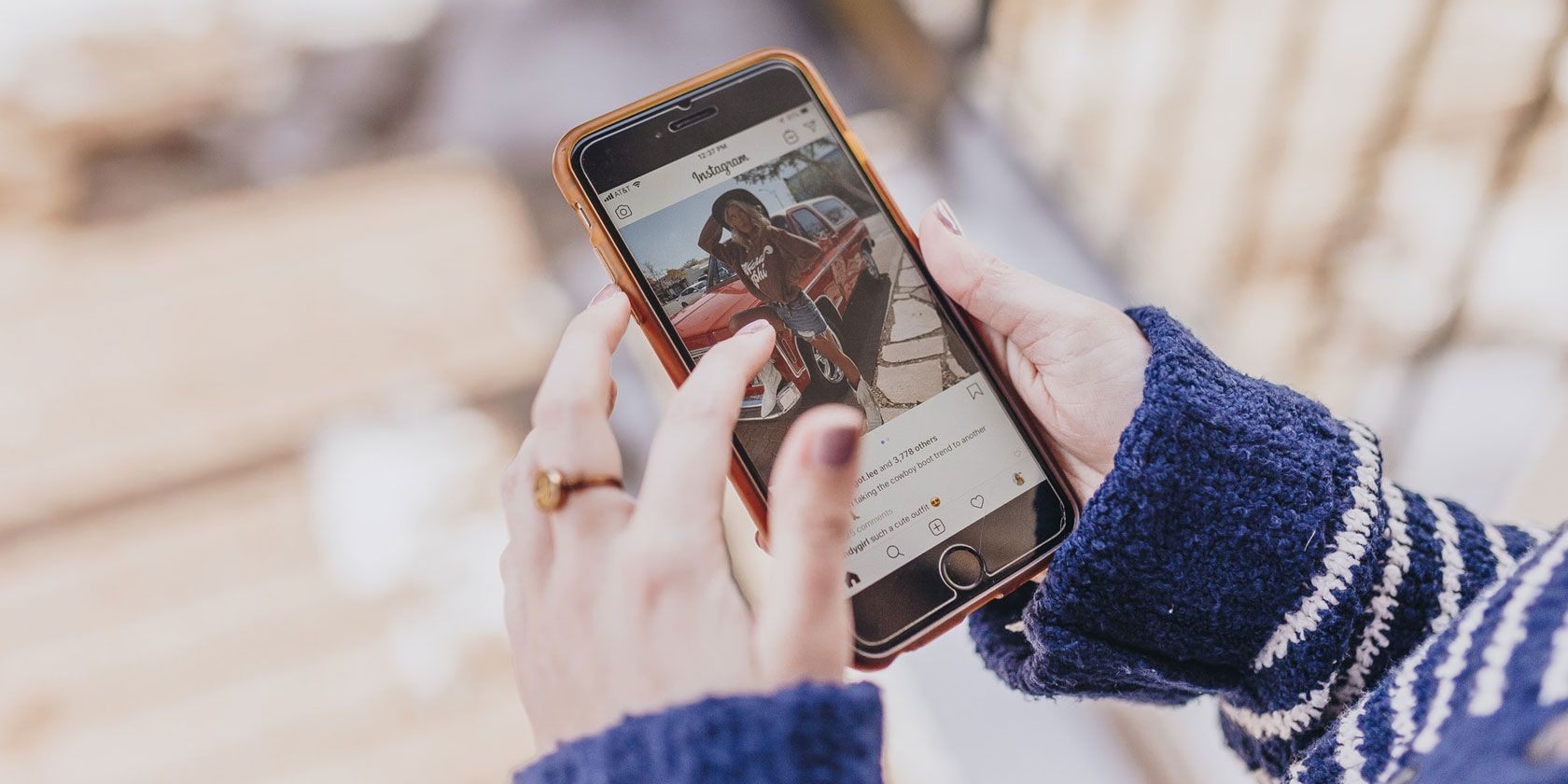
🔍 What content types on Instagram are safe to screenshot — without alerting the other person
Here’s a breakdown:
| Content Type | Notification sent? |
|---|---|
| Regular posts (photos/videos on feed) | ❌ No (Birdeye) |
| Stories (even close‑friends or private stories) | ❌ No (Metricool) |
| Profiles / bios / highlights | ❌ No (Outfy) |
| Reels, Lives, etc. | ❌ No (Kapwing) |
| Regular DMs (text, images, videos that don’t vanish) | ❌ No (Kapwing) |
| Disappearing photos/videos in DMs (or messages in Vanish Mode) | ✅ Yes — screenshot triggers alert (Android Police) |
🧠 Why might people get confused about notifications?

-
Back in 2018, Instagram briefly tested a feature that would notify users when someone screenshot their Story. But that test was discontinued, and the feature was removed. (Metricool)
-
Some older guides or third‑party apps might still refer to that test — leading to outdated advice. Recent sources (2024‑2025) confirm the test is over. (Beebom)
-
Many third‑party apps claiming to show who took screenshots are unreliable (or possibly scams), because Instagram does not provide an API for screenshot detection — so such apps can’t be accurate. (Birdeye)
📅 Situation in 2025: As things stand now
-
The current policy: No notifications for screenshots of feed posts, Stories, Reels, profiles, regular DMs. (Metricool)
-
Yes notifications only for disappearing photos/videos in DMs (or when using Vanish Mode). (Android Authority)
-
Because of this, if you just want to save content (for reference or offline use), screenshots are “safe” — with the above exception in mind.
💡 What you should keep in mind — a few tips & caveats
-
Even if Instagram doesn’t notify someone when you screenshot, that doesn’t mean it’s always ethical to do so without consent — especially for personal content. Respect privacy.
-
Avoid relying on third‑party apps claiming to alert you about screenshots — often they don’t work, or might be harmful. (Birdeye)
-
If you want to save something properly — for example, a post with contact info, or a message — consider asking permission, or else using the built‑in “Save / Bookmark” feature. This ensures respect for privacy & creators.
-
For content shared via DMs, especially with disappearing media: be mindful. Screenshotting such media triggers notifications — so you are always “visible.”
✅ Conclusion
In short: You can screenshot almost anything on Instagram — posts, Stories, Reels, profiles, regular DMs — and the other user won’t know. Only when it comes to disappearing content in DMs (or Vanish Mode) does Instagram notify the content‑owner.
So the belief among many — “Instagram notifies screenshots always” — is outdated. As of 2025, that is not true. Use screenshots wisely and responsibly, while respecting people’s privacy.