
A social media scheduler for Instagram is a tool (web, desktop or mobile‑app) that lets you prepare content (photos, videos, captions, hashtags) in advance — and then automatically (or with a reminder) publish them on Instagram at a date and time you choose.
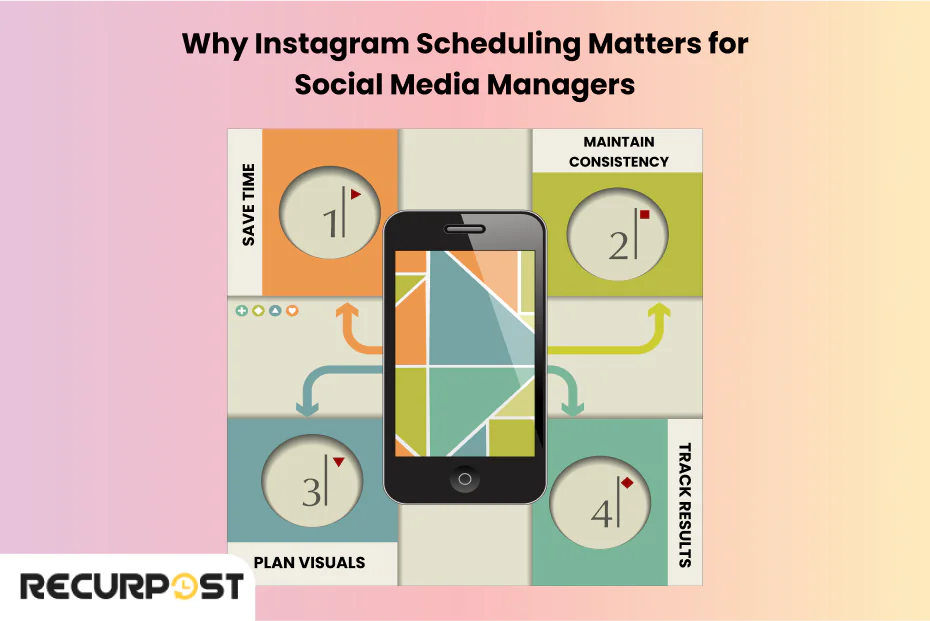
Rather than manually opening Instagram, uploading a post, writing caption and publishing every time, you can batch‑create content ahead of time and schedule them. This helps you stay consistent, save time, and focus more on content creation and strategy rather than daily posting.
Schedulers often work with Instagram Business or Creator accounts (rather than personal accounts), due to API restrictions. (Buffer)
Why Use a Scheduler — Key Benefits
Using a scheduler offers several advantages, especially if you post frequently, manage a brand or business profile, or want to maintain a consistent Instagram presence:
-
Time-saving & efficiency: Instead of spending time every day posting, you can batch-create posts (images, carousels, reels) for a week or month at once. (Buffer)
-
Consistent posting schedule: Posting consistently helps in audience engagement and growth. Scheduling ensures you don’t miss a post even on busy days. (Buffer)
-
Better planning & content calendar: You can visualize upcoming posts — plan content themes (e.g. days for tips, promotions, reels), track what’s scheduled, and avoid posting similar content back-to-back. (SocialBee)
-
Flexibility & convenience: You can prepare from desktop (easier for editing, organizing), and then let the scheduler post automatically — no need to be on phone at the exact posting time. (Buffer)
-
Support for various content types: Many schedulers let you schedule not just single image posts, but also carousels (multiple images/videos), videos, Reels, and sometimes even Stories. (SocialBee)
-
Analytics, optimization & planning tools: Some tools help you find the best time to post, preview how your grid will look, plan categories of posts, and provide analytics for performance. (SocialBee)
Popular Instagram Schedulers — Examples & Their Features
Here are a few well-known tools people (creators, marketers, businesses) use to schedule Instagram content:
Later
-
Later provides a visual content calendar and grid preview — you can actually see how your Instagram feed will look after scheduled posts. (Buffer)
-
Supports scheduling of single images, carousels, and Reels (with auto‑publish or notification‑publish options). (Later)
-
You can bulk upload content and plan posts in advance — good for creators who plan weeks/months of content. (help.later.com)
-
Has both free and paid plans (free for limited posts). (Simplified)
Hootsuite

-
Hootsuite is more than Instagram — it supports multiple networks (Instagram, Facebook, Twitter, LinkedIn, etc.), making it great for cross‑platform marketing. (hootsuite.com)
-
Lets you schedule photos, videos, carousels, Stories, Reels. (hootsuite.com)
-
Provides analytics, content calendar, and publishing at optimal times (based on follower activity). (hootsuite.com)
-
Paid service (with free trial); more suitable for businesses or social media managers handling many platforms. (Buffer)
SocialBee
-
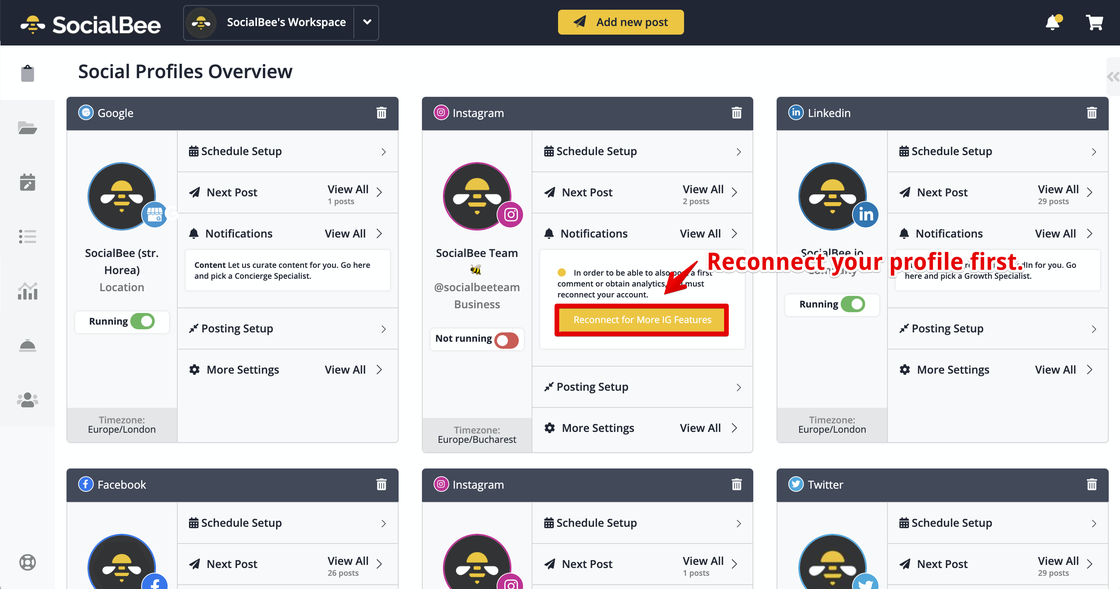
SocialBee allows scheduling posts, Reels, Stories, carousels — across multiple social platforms (Instagram, Facebook, LinkedIn, X/Twitter etc.). (SocialBee)
-
Features: grid preview, first-comment scheduling (for hashtags/credits), custom thumbnails for videos, bulk planner, post‑recycling (reposting older posts). (SocialBee)
-
Offers team collaboration, content approval workflows — useful for agencies or multi-member teams managing social content. (SocialBee)
Apart from these three, there are many other tools and scheduling apps — each with different strengths (some cheaper, some more feature‑rich, some simpler). (Social Media Dashboard)
Things to Keep in Mind — What a Scheduler Can’t Always Do Perfectly
While schedulers are powerful, they aren’t magical. Here are some common caveats:
-
For some content types — especially Stories with stickers, polls or trending audio/music — auto‑publishing may not support all features. With tools like Later, you may need notification‑publish, meaning you still must open Instagram at the scheduled time and finalize posting. (help.later.com)
-
For best effect on content reach, timing matters — using a scheduler helps, but content quality, relevance, and engagement strategies are still crucial.
-
If you try to schedule too many posts or schedule far ahead, sometimes tools (or Instagram API) may behave unexpectedly — preview errors, post failures, or delays.
-
Some scheduler features (like auto‑post, thumbnails, tagging collaborators) may work only with Instagram Business/Creator accounts — not for regular personal accounts. (Later)
Who Should Use a Scheduler — Is It Right for You?
Using a scheduler is especially helpful if you:
-
Manage a brand page, business page, or client accounts and need to post regularly.
-
Create lots of content in advance (photos, carousels, reels) and want to maintain consistency without daily effort.
-
Want to plan your feed design / aesthetic (grid preview helps see if upcoming posts match your style).
-
Work with a team (content creators, designers, social media managers) and want streamlined workflow & approvals.
-
Prefer desktop workflow for ease of editing visuals, writing captions, organizing content — rather than doing everything on mobile.
If you only post occasionally — maybe 1‑2 posts per week — manually posting may suffice. But as your content frequency grows, schedulers become time-savers.
Tips for Effective Instagram Scheduling
Here are some best practices to get the most out of a social media scheduler:
-
Use an Instagram Business or Creator account — many scheduling tools require that for auto-publish.
-
Plan content in batches — for example, prepare 1–2 weeks of posts at once: images, captions, hashtags.
-
Use grid preview (if available) to maintain visual consistency — especially important if you care about overall feed aesthetics.
-
Schedule at optimal times — analyze when your audience is most active; many tools suggest best posting times.
-
Mix content types — photos, carousels, reels, maybe stories — variety keeps audience engaged.
-
Review scheduled posts before publishing** — check captions, hashtags, formatting. Mistakes can slip in if you schedule far ahead.
-
Don’t overly rely on automation — engagement (comments, replies) still benefits from manual interaction.
Conclusion
A social media scheduler for Instagram is a very useful tool — especially for creators, businesses, or anyone managing an active Instagram profile. It helps you save time, stay organized, and maintain a consistent posting rhythm. Among the many tools out there, platforms like Later, Hootsuite, SocialBee are popular because they support multiple content types (images, carousels, reels), offer scheduling and analytics, and allow planning ahead in an orderly, efficient way.
If you combine scheduling with good content creation and engagement strategy, you can significantly streamline how you manage Instagram and grow your presence effectively.