
When you are starting a website or a blog for the first time, one of the biggest concerns is cost. You don’t want to spend a lot before you even know if your site will succeed. That’s where cheap web hosting comes in — giving you just enough features to get started, without burning a hole in your pocket. In this post, we’ll explain what website hosting is, what “cheap hosting” means, why it matters for beginners, and which providers are good if you are on a tight budget.
What is Web Hosting — in Simple Terms
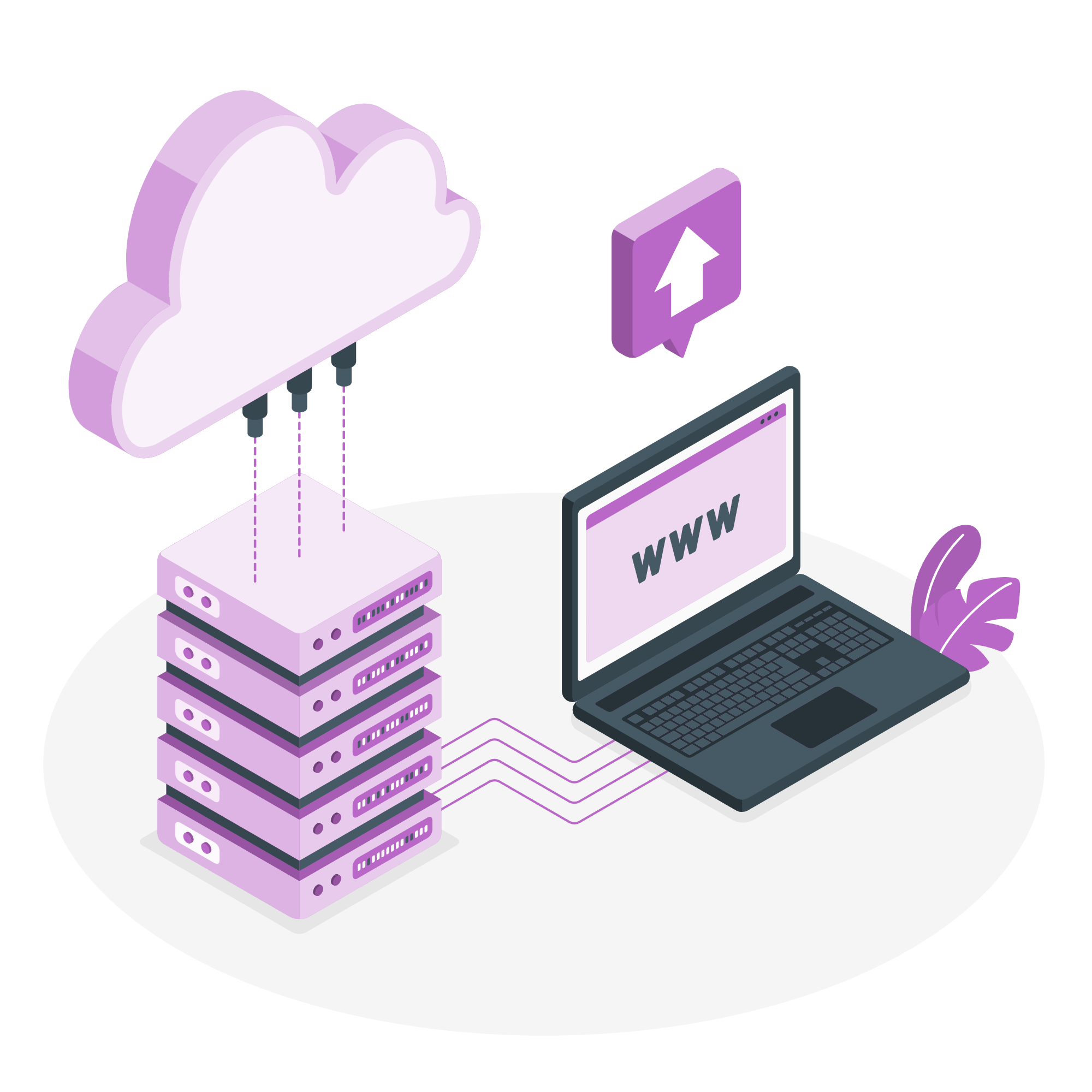
A website consists of files — like HTML pages, images, stylesheets, scripts — which need to be stored somewhere. Web hosting is simply the service that stores your website files on a server connected to the internet 24/7. When someone types your domain name (e.g. example.com), the hosting server sends the files to the visitor’s browser, so the visitor sees your website. Without hosting, your website cannot be accessed by others. In short: hosting = website‑storage + server + internet connectivity.
There are many types of hosting: shared hosting, VPS hosting, cloud hosting, dedicated hosting, etc. For a beginner building a small website or blog, often shared hosting is the most affordable and simplest choice. (blog.dollar2host.com)
Why “Cheap Hosting” Matters for Beginners
-
Low cost, low risk: When you are just starting out — maybe testing an idea, building a portfolio site, or writing a small blog — you don’t know yet how popular the site will be. Paying only a small amount per month or per year reduces your upfront risk. (Forbes)
-
Easy to manage: Cheap hosting plans often include simple control panels (like cPanel), one‑click installation of popular tools (like WordPress), email accounts, basic security (SSL), and other essentials. For a beginner without system admin knowledge, that is a big plus. (Bluehost)
-
Enough for low traffic: If your website is new, traffic will likely be low or moderate — cheap hosting can handle this. As your traffic grows, you can always upgrade later. (technootech.com)
-
Affordable starting point for learning: If you're learning web development or building a small project (like a portfolio, personal blog, local business site), cheap hosting lets you experiment without much cost.
What to Check Before Buying Cheap Hosting
Not all cheap hosting plans are equal. Here are important things to check:
-
Storage & Bandwidth: Even if you don’t expect heavy traffic, make sure you get enough storage (for your files, images) and bandwidth (to serve visitors). Basic plans sometimes limit these. (Forbes)
-
Free SSL Certificate: SSL (HTTPS) is necessary for security and for SEO (search‑engine ranking). Many budget hosts provide free SSL — check this before buying. (Bluehost)
-
Ease of Setup / Control Panel / One‑click CMS Install: For beginners, a hosting provider that supports easy setup (like one‑click WordPress install) and a simple dashboard is a major advantage. (Bluehost)
-
Support & Reliability (Uptime): Even cheap hosting should give you decent uptime (so your website is accessible most of the time) and support (live chat, email) in case something breaks. (Bluehost)
-
Scalability / Upgrade Options: As your site grows, you should be able to upgrade hosting (e.g. more storage, faster server or different type like VPS) smoothly. (blog.dollar2host.com)
-
Hidden Costs or Renewal Price Hikes: Many cheap plans have low introductory prices, but renewal rates can be much higher. Read terms carefully. (Bluehost)
Cheap Web Hosting Providers Worth Considering (2025)
Here are some hosting providers that are widely regarded as among the cheapest and most beginner‑friendly in 2025. Their features vary, so pick according to your need.

✅ Recommended Hosts
| Provider | What makes it good / approximate price or features* |
|---|---|
| Hostinger | One of the most affordable options — can start as low as ₹59/month (for Indian users). Includes free SSL, free email, one‑click WordPress install, reasonable uptime. Good for simple blogs or small business websites. (nalhost.in) |
| Bluehost | Beginner‑friendly dashboard, free domain for first year, easy WordPress setup, free SSL, and 24/7 support. Good balance between ease-of-use and reliability — widely recommended for WordPress. (Bluehost) |
| Namecheap | Ultra‑budget friendly. Their basic shared hosting is suitable for small websites with modest needs, offering features like SSD storage, unmetered bandwidth (in some plans), free SSL. Good for personal sites or small blogs. (Bluehost) |
| BigRock | Indian hosting provider — sometimes cheaper or comparable for websites targeting Indian audiences. Basic plans start low, with free SSL and site‑builder tools. Good for small business, local business websites. (Rewa Riyasat) |
| HostGator | Trusted name with stable infrastructure, shared hosting at budget prices, good customer support. A solid all‑round choice if you expect slight traffic growth later. (dreamhosters.in) |
| A2 Hosting | Slightly higher starting price than the cheapest, but known for speed (fast loading), option for SSD storage, and developer-friendly features. Good if you care about performance early on. (AffMaven) |
* Prices and features may vary depending on when you sign up and which plan you choose. Always check the current plan details.
When Cheap Hosting Might Not Be Enough — Know the Limitations
While cheap hosting is great for beginners and small websites, it has some drawbacks. Good to be aware of them before committing:
-
Performance limitations: Because in shared hosting the server resources (CPU, RAM, bandwidth) are shared among many websites, the website may slow down if traffic increases or other websites on the same server use more resources. (blog.dollar2host.com)
-
Security & Risk: Shared hosting — especially very cheap ones — may have weaker isolation and more security risks compared to dedicated hosting. If one site on the server is compromised, others may be affected (if security is not well managed). (blog.dollar2host.com)
-
Limited storage / bandwidth: Basic plans may limit storage and bandwidth — which could be restrictive if you upload many images, videos, or expect growing traffic. (Forbes)
-
Renewal price increase / hidden costs: Some hosts lure you with low initial prices, but renewals are significantly higher. Also, extras like backups, domain privacy, email, or SSL renewals might cost extra. (Bluehost)
-
Not ideal for big projects / high traffic: If you expect your website to grow (lots of traffic, multimedia, e‑commerce), cheap shared hosting may not scale well — in that case you might need VPS, cloud, or dedicated hosting. (blog.dollar2host.com)
Thus, cheap hosting is best suited for: small blogs, personal sites, portfolios, small business websites, low-to-moderate traffic, and projects in early stages.
Tips to Choose the Right Cheap Hosting — Even in 2025
If you are new and want to pick hosting wisely, keep the following in mind:
-
Start with basic shared hosting: You can always upgrade later. No need to start with expensive plans.
-
Prefer hosts offering free SSL, free email, and one-click install: Makes life easier when you’re new.
-
Check uptime & reliability: A cheap host is no use if your site is often down.
-
Read renewal price and terms carefully: Ensure you aren’t caught by surprise with high renewal fees or hidden charges.
-
Keep growth in mind: If you expect your site to grow — in traffic, content, or features — choose a host that offers scalable upgrades (VPS, cloud, more storage) easily.
-
Backup and security: Even small websites should have backups and basic security. Look for hosts that offer free/cheap backups, SSL, and basic protection.
Conclusion — Cheap Hosting is a Great Start, But Choose Wisely
If you are a beginner, starting a personal blog, small business site, or testing your website idea — cheap web hosting is often the best way to begin. It keeps the cost minimal, gives you the basic tools (domain, storage, SSL, easy setup) and lets you focus on building content rather than managing servers.
Providers like Hostinger, Bluehost, Namecheap, BigRock, HostGator, and A2 Hosting are among those offering good balance between budget, features, and ease‑of‑use.
But remember — “cheap” doesn’t always mean “best.” Always check the features, limitations, renewal costs, and future scalability. Use cheap hosting as a stepping stone: once your website grows, consider upgrading to more robust hosting (cloud, VPS, or dedicated) for better performance, security, and flexibility.
In short: cheap hosting is a launchpad, not always the destination.